

Creating your first category
Create categories to organize your products
Categories are a way to group products in your store. Customers find products more easily when similar items are organized under the same category.
Navigating to categories
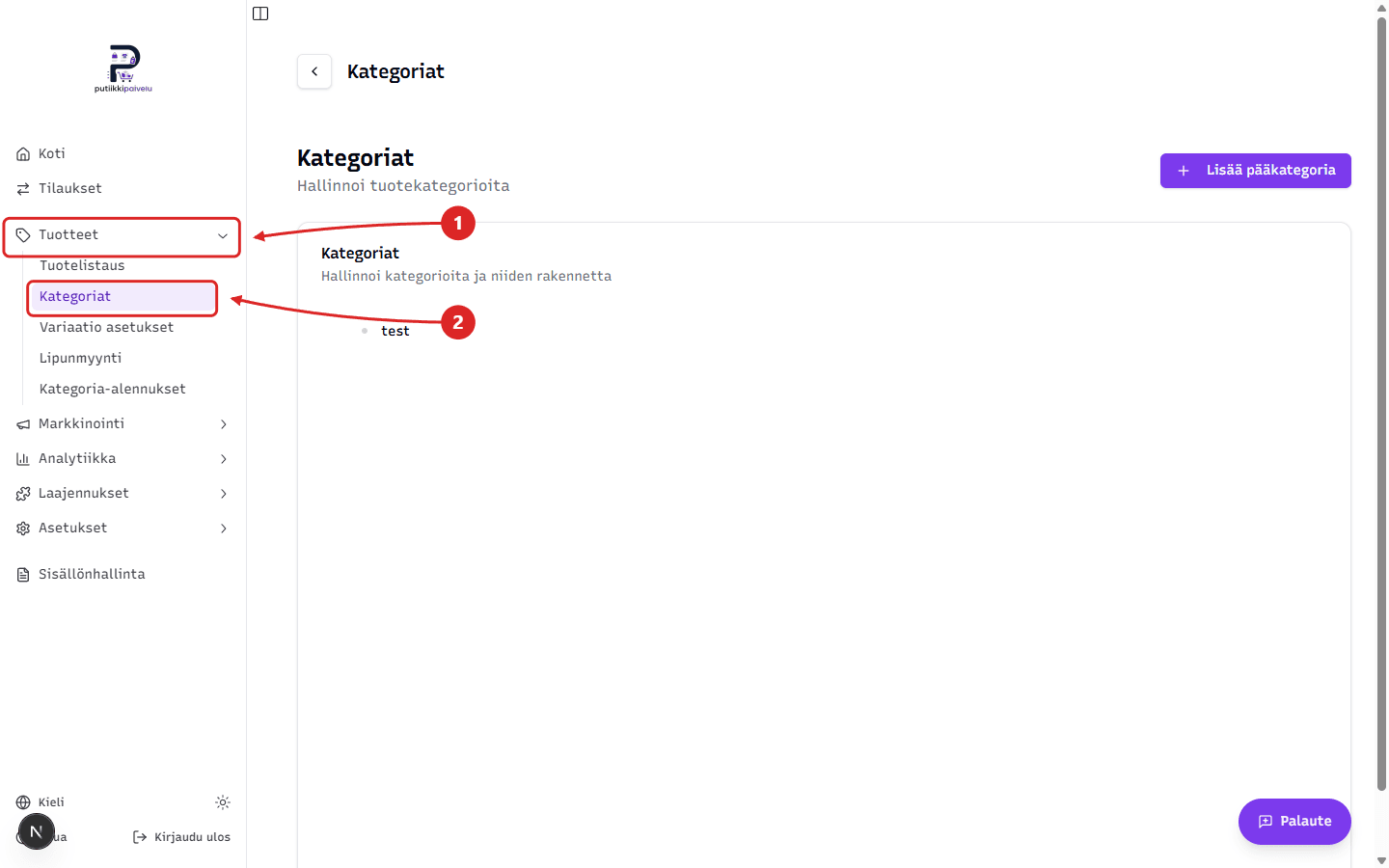
Categories are in the dashboard sidebar. Open Products → Categories.
Adding a main category
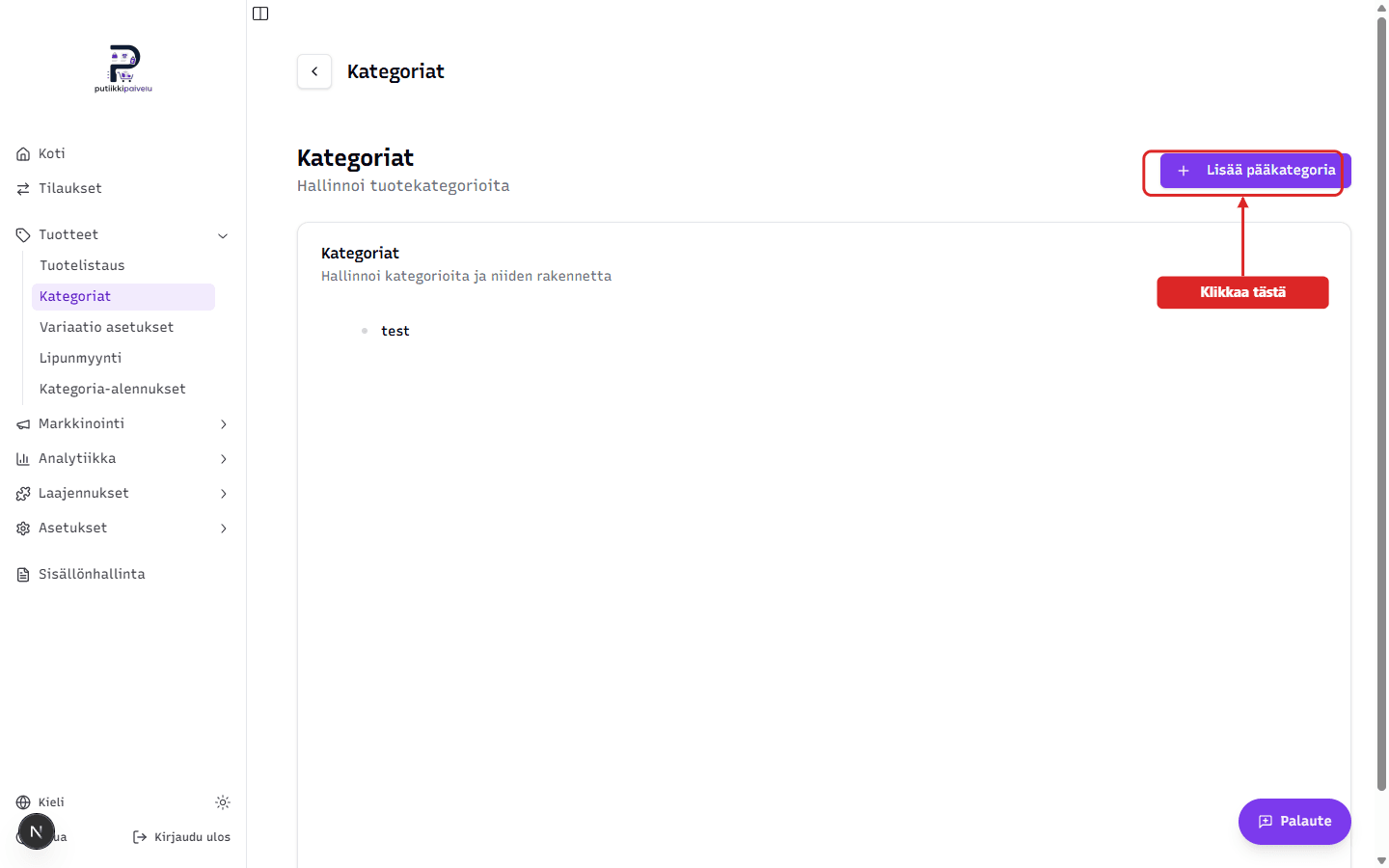
Click the + Add main category button in the top-right corner of the page.
In the form that opens, fill in:
- Category name — for example Clothing, Jewelry, or Home decor
- SEO settings (optional):
- Meta title — title for search engines (max 60 characters)
- Meta description — short description for search engines (max 160 characters)
When done, click Add.
Left the SEO fields empty?
If meta title isn't filled in, the category page automatically uses "[Store name] | [Category name]" (e.g. MyShop | Clothing). The default meta description is "Tutustu [Store name] verkkokaupan tuotteisiin kategoriassa [Category name]." (Finnish fallback).
Your own SEO copy helps you stand out in search results, but the defaults work as-is.